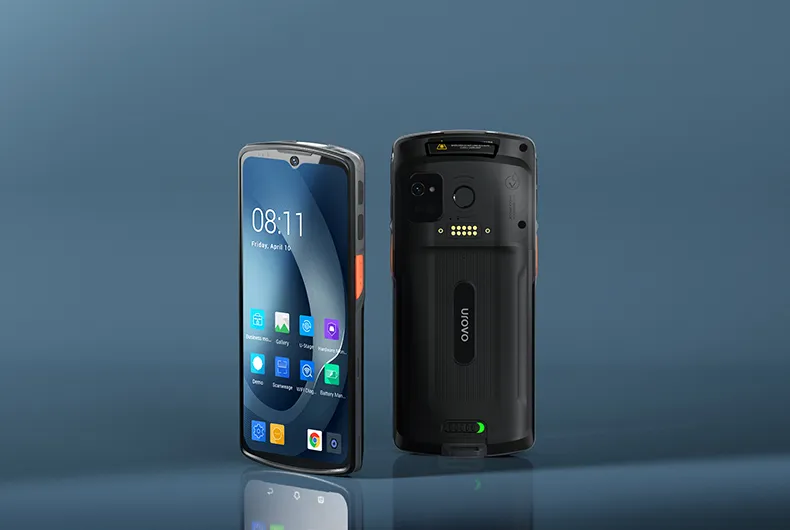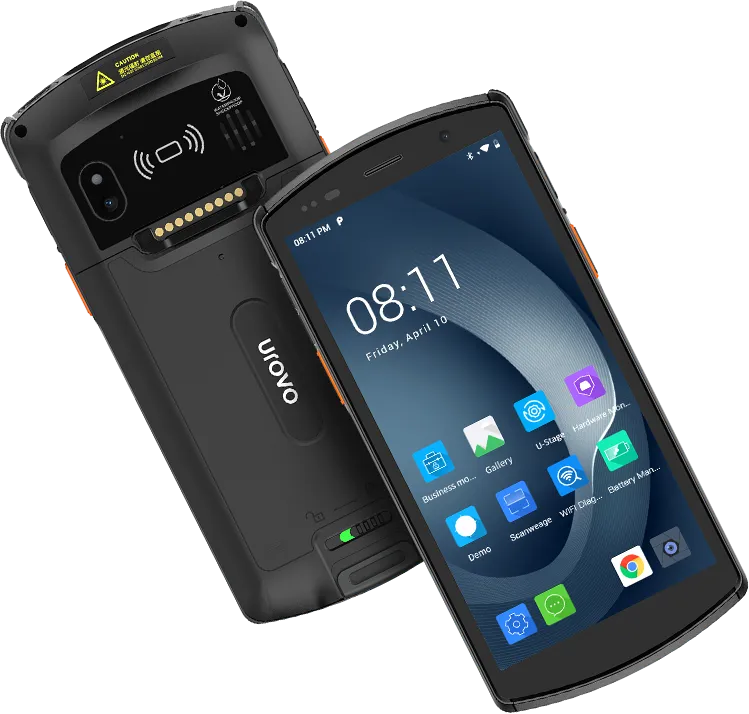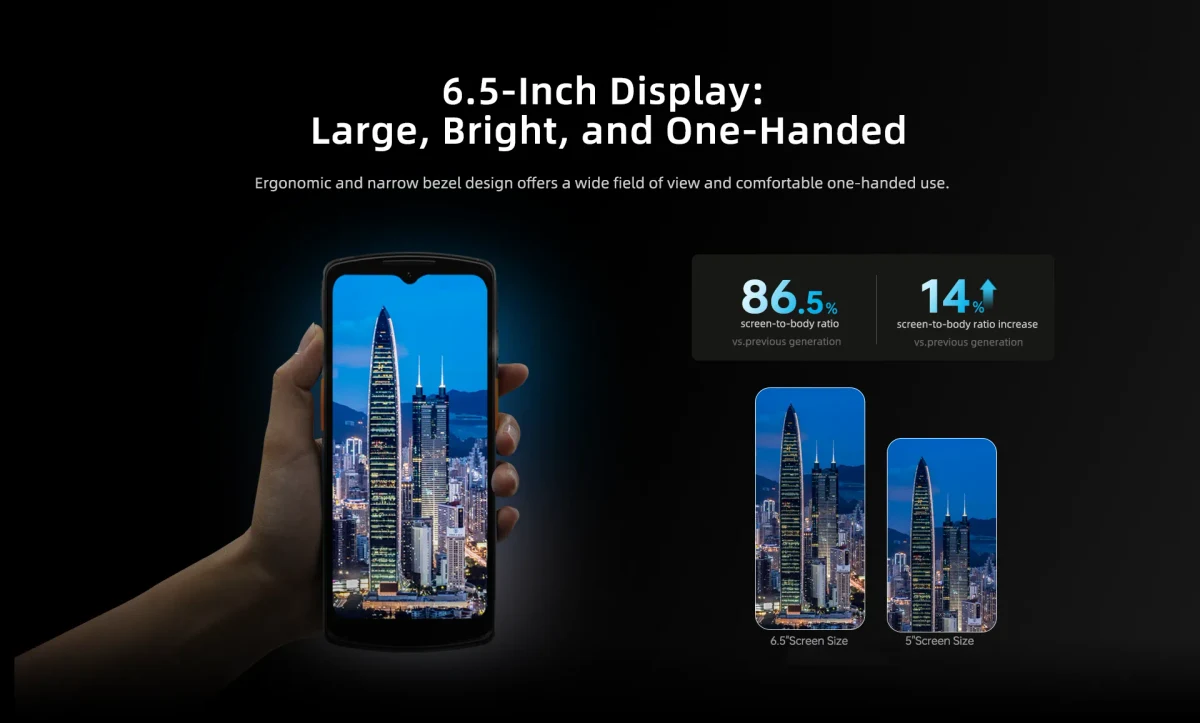
Decision rule
DT66 is the stronger starting point when a newer OS baseline, Wi-Fi 6E, 5G and IP68 protection are material. DT50 remains relevant when a replaceable 5000 mAh battery and its established accessory or application context better fit the operation. A pilot should decide, not a single specification row.
Warehouse fit: design around the scan loop
Receiving and picking depend on repeated trigger use, fast decode feedback, WLAN roaming and charging discipline. Test labels at the actual rack height, distance, lighting and damage level.
A replaceable battery can simplify recovery during long shifts, while newer WLAN capability may matter more in a redesigned network. Measure the whole task time instead of scanner speed in isolation.
- Glove and trigger usability
- Roaming between real access points
- Cart, cradle and spare-battery layout
- Damaged-label exception path
Field fit: validate the route, not the office
Field service and proof-of-delivery add cellular coverage, outdoor visibility, camera use, navigation, vehicle charging and offline synchronization.
Confirm country radio bands and certification separately. Worldwide distribution authorization does not mean one universal DT66 or DT50 radio configuration.
- Target carrier and bands
- Outdoor screen and wet-hand handling
- Vehicle power and carry method
- Offline queue and conflict recovery
OS and lifecycle planning
A listed Android version is only one part of application lifecycle. Record GMS requirements, MDM enrollment, security policy, update ownership and the application regression process.
If an installed DT50 fleet already has approved accessories and software, migration cost can outweigh one hardware advantage. If starting fresh, the DT66 platform direction may reduce near-term OS constraints.
- Supported application API level
- Enrollment and kiosk policy
- Firmware-change regression owner
- Accessory reuse versus replacement
Run a paired workflow pilot
Configure both candidates with the intended application, scan settings, WLAN and accessories. Assign representative operators and alternate device order to reduce learning bias.
Record task completion, decode exceptions, reconnect behavior, battery consumption and operator feedback. Treat this as project evidence, not a universal benchmark.
- Same labels and route for both devices
- Same application build and settings
- Multiple operators and repetitions
- Pre-agreed acceptance thresholds
DT66 vs DT50 decision matrix
The entries summarize listed direction and required validation, not universal winners.
| Criterion | DT66 | DT50 |
|---|---|---|
| OS direction | Android 13 / 15 variants listed | Confirm available OS for target SKU |
| Wireless direction | 5G/4G and Wi-Fi 6E listed | Confirm radio and WLAN configuration |
| Battery strategy | Confirm final battery and charging SKU | 5000 mAh replaceable battery listed |
| Protection listing | IP68, 1.5 m drop | IP67, 1.5 m drop |
| Best starting point | New platform and connectivity priorities | Replaceable-battery or installed-base priorities |
Paired pilot checklist
Freeze variables before comparing results.
- 01
Same application and data set
- 02
Same WLAN and cellular test route
- 03
Representative barcode set
- 04
Production-intent scanner settings
- 05
Planned cases, cradles and handles
- 06
Battery level recorded at each run
- 07
Exception and recovery events logged
- 08
Operator and IT sign-off captured
Frequently asked questions
Is DT66 always better than DT50?
No. DT66 lists newer OS and connectivity directions, while DT50 lists a replaceable 5000 mAh battery. Workflow, installed accessories, application behavior and regional configuration determine the project choice.
Which device is better for a warehouse?
Choose after testing scan ergonomics, label performance, WLAN roaming and charging across the intended shift. Device specifications alone do not model warehouse task time.
Which is better for field service?
DT66 is a strong starting point when 5G, newer Android variants and IP68 are material, but carrier bands, outdoor operation, offline recovery and vehicle accessories still need validation.
Evidence and limitations
Manufacturer-supported comparison / paired pilot not yet run
This comparison does not claim equivalent variants, inventory, certification, benchmark results or application compatibility.
Reviewed: 2026-08-10
- UROVO DT66 model record verified 2026-08-02
- UROVO DT50 model record verified 2026-08-02