MR.DIY / Home-improvement retail
Real-time store inventory and distribution planning across MR.DIY
Customer deployment reference / SEUIC (Dongji) hardware platform
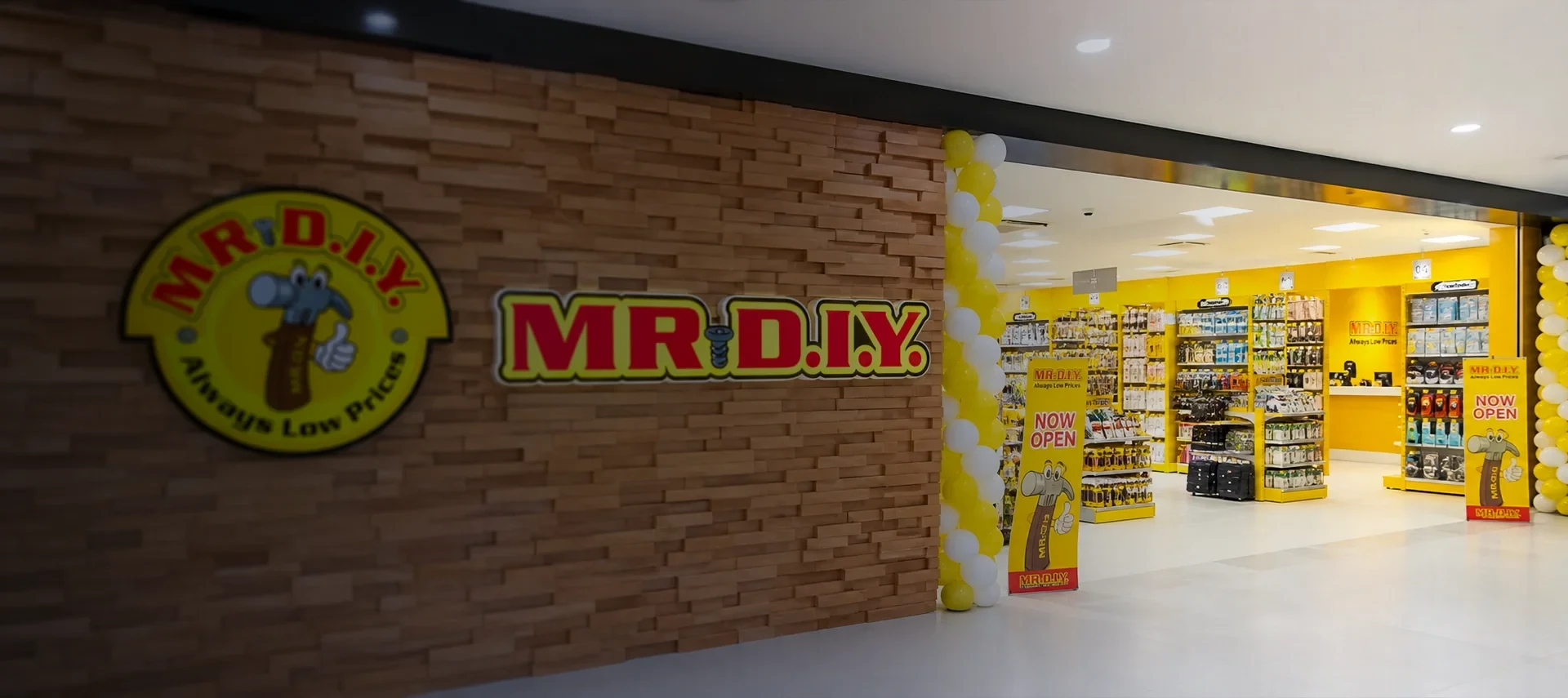
MR.DIY deployed CRUISE mobile computers for store inventory and warehouse stocktaking across a network described as more than 2,300 stores, using current capture data to improve stock visibility, replenishment and distribution decisions.
Case Studies
Design the mobile workflow before locking the device SKU.
Manual recording and counting created slow, tiring work with avoidable errors. Different sales patterns across stores also made inventory allocation difficult when warehouse teams lacked current store-level demand and stock data.
Workflow solutions
Priority workflows
The lightweight CRUISE handheld connects barcode capture at the shelf or stockroom with the warehouse and inventory system. Events synchronize in real time so store stock, replenishment requirements and distribution planning use current data rather than delayed manual records.
DevicesSEUIC CRUISE mobile computer
Solution planning sequence
Solution planning sequence
A reliable deployment combines the right capture method, application behavior, connectivity, ergonomics, charging and replacement process. Solution design keeps those choices connected.
01 / Receive at store
Scan inbound items and quantities against the expected delivery.
Creates a current store receipt and exposes shortages, overages or damaged labels immediately.
02 / Count the selling floor
Capture shelf and stockroom quantities by location and item.
Replaces delayed manual records with a structured store inventory event.
03 / Resolve variances
Review missing, excess and unrecognized items before approving adjustments.
Prevents a scan mistake or location mix-up from becoming an inventory correction without review.
04 / Replenish the store
Use current stock and sales demand to create a replenishment requirement.
Connects frontline counting to product availability rather than treating it as an isolated audit.
05 / Plan distribution
Aggregate store-level demand for warehouse allocation and transfer decisions.
Balances inventory across a large network using current operating data.
Case Studies
Outcome-led scope
Solution pages will recommend capabilities first. Exact models remain replaceable until testing confirms the best fit.
Network context
The public case describes deployment support for a network of more than 2,300 stores.
Inventory accuracy
Real-time capture reduces errors and omissions associated with manual records.
Replenishment
Store-level demand data supports more precise inventory allocation and supply-demand balance.
Frontline use
A lightweight handheld simplifies repeated store and warehouse inventory tasks.
Engineering and supply services
Five service layers for a more predictable device program.
RuggedLayer organizes access to multiple manufacturers into a consistent engagement model. Each layer has a defined input, deliverable and evidence boundary. Hardware margin, validation, staging, project management and lifecycle support are distinct value streams. Scope and fees depend on the project.
Select
Store receivers, shelf and stockroom teams, inventory controllers, distribution planners and retail IT.
Validate
Barcode events for receiving, location counts, variance review, replenishment and warehouse stocktaking.
Deploy
Store inventory, ERP, WMS, replenishment planning, inter-store transfer, device management and support.
Commercial boundaries
Large store count, varied label quality, different layouts and demand, shared devices, Wi-Fi differences and rollout consistency.
A clear handoff at every layer
Five service layers for a more predictable device program.
Hardware margin, validation, staging, project management and lifecycle support are distinct value streams. Scope and fees depend on the project.
Store workflow application
Role-based flows cover receiving, shelf work, item lookup, counting, replenishment, transfers or mobile checkout without exposing unnecessary back-office functions.
Commercial boundariesRuggedLayer translates store tasks into device and validation requirements; the retailer or ISV owns price, promotion, payment and inventory rules.
Store device layer
Shared handhelds or mobile POS units combine the required barcode, RFID, payment and camera functions with practical holsters, charging and handoff controls.
Commercial boundariesRuggedLayer selects and configures the hardware platform, accessories, capture settings and managed application profile.
Store connectivity
Store Wi-Fi or cellular service synchronizes transactions, inventory events and device status, with queued work for short network interruptions.
Commercial boundariesRuggedLayer proves roaming, reconnect and application recovery on the device; store network remediation is separately scoped.
Retail systems
POS, ERP, WMS, inventory, customer and device-management systems retain the authoritative product, stock, transaction and policy records.
Commercial boundariesRuggedLayer validates the agreed integration points and handover package while the retailer controls production data and commercial logic.
Publication gate
Comparable device evidence with method, version and limitations.
The Test Lab defines what must be recorded before a manufacturer reference or RuggedLayer observation can support a purchase or deployment decision.
Publication gate
- 01
The received item, quantity or store destination differs from the expected shipment.
Create the approved shortage, overage or wrong-destination record and hold any disputed quantity from automatic availability.
- 02
A count variance exceeds the store approval threshold.
Require recount or supervisor review with the original location, user and timestamp preserved.
- 03
Store and warehouse data conflict during replenishment planning.
Use the authoritative timestamp and status rules, preserve both observations and route unresolved inventory to review.
How to read the references
Store transactions
Receiving, counting, variance and replenishment events reach the correct store and item exactly once.
Label coverage
The representative SKU and packaging label set meets the approved first-read target across shelf and stockroom use.
Planning data
Accepted store events expose the location, quantity, time and status needed for replenishment and allocation.
Repeatable rollout
A new pilot store can be enrolled, configured, trained and supported from the standard deployment kit.
A clear handoff at every layer
Choose the first service layer.
A short requirement review will identify whether selection, validation or customization comes first.
01 / Discover
A store-task map covering user roles, item and tag types, payment boundary, stock rules, device sharing and support ownership.
02 / Store validation
Configured samples tested on real shelves, racks, labels, applications, peripherals, Wi-Fi and daily charging routines.
03 / Pilot stores
A small representative store group with baseline timings, exception logs, associate feedback and a documented go/no-go review.
04 / Wave deployment
A repeatable store kit, enrollment profile, installation checklist, training package, replacement pool and support route.
Enterprise device portfolio
Mobile computers, barcode scanners and RFID readers by workflow.
A final shortlist depends on the application, scan or RFID workload, operating environment, country, deployment volume and support expectations.
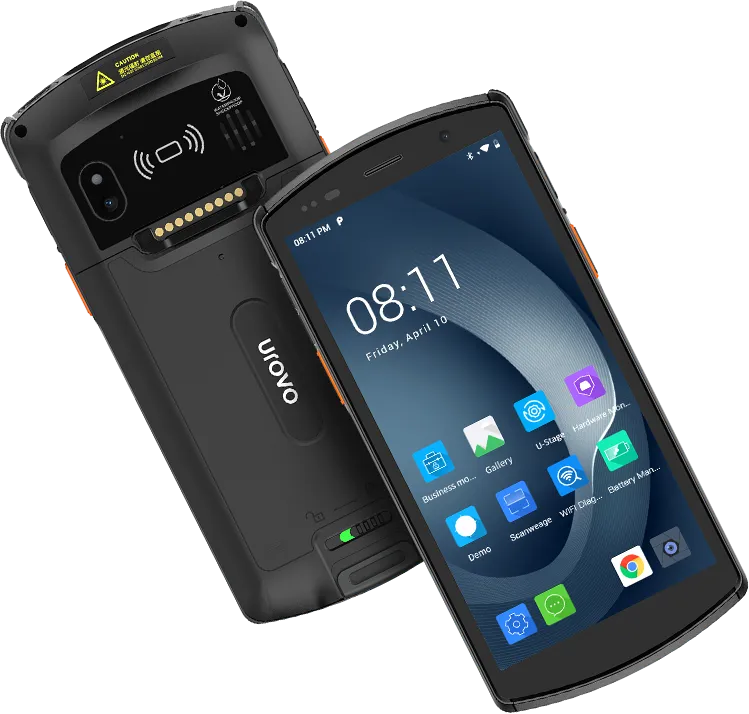
UROVO / Rugged handheld computer
DT50
General-purpose handheld with a replaceable-battery option for mixed store work.Devices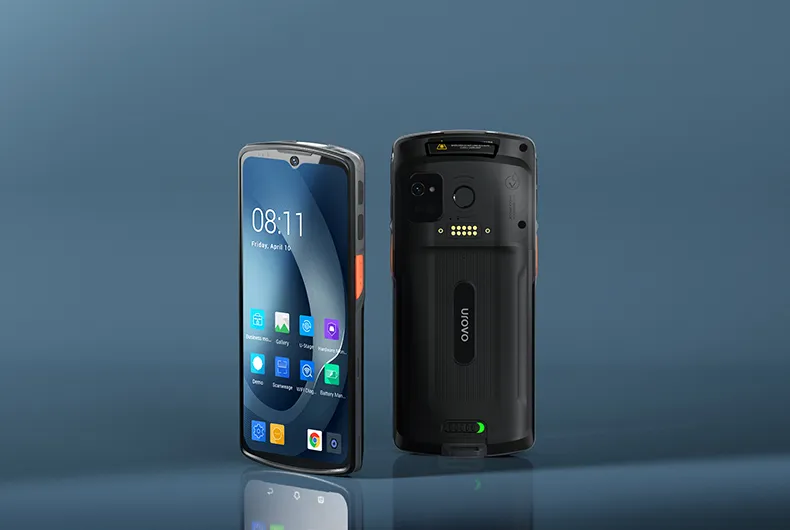
UROVO / Enterprise mobile computer
DT66
Modern full-touch platform for app-first retail workflows.Devices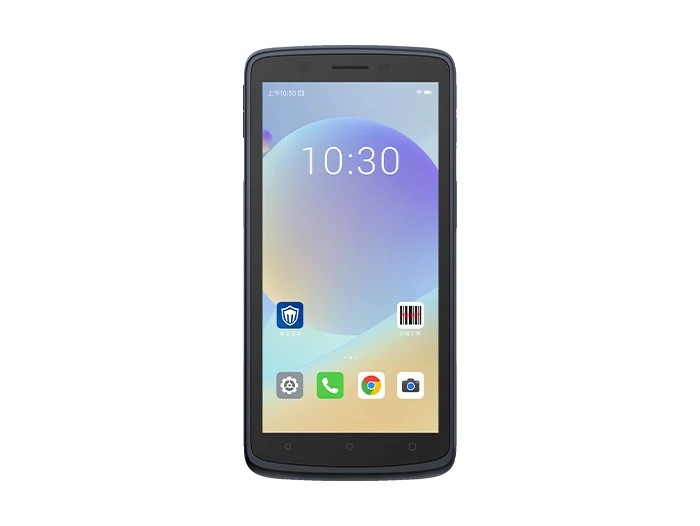
SEUIC (Dongji) / Touch mobile terminals
CRUISE2
Full-touch mobile terminal option for inventory and store applications.DevicesProject intake
Project intake form
Submit the form to request a shortlist, validation plan, sample discussion or scoped OEM feasibility review. Restricted files require a separately agreed transfer method.